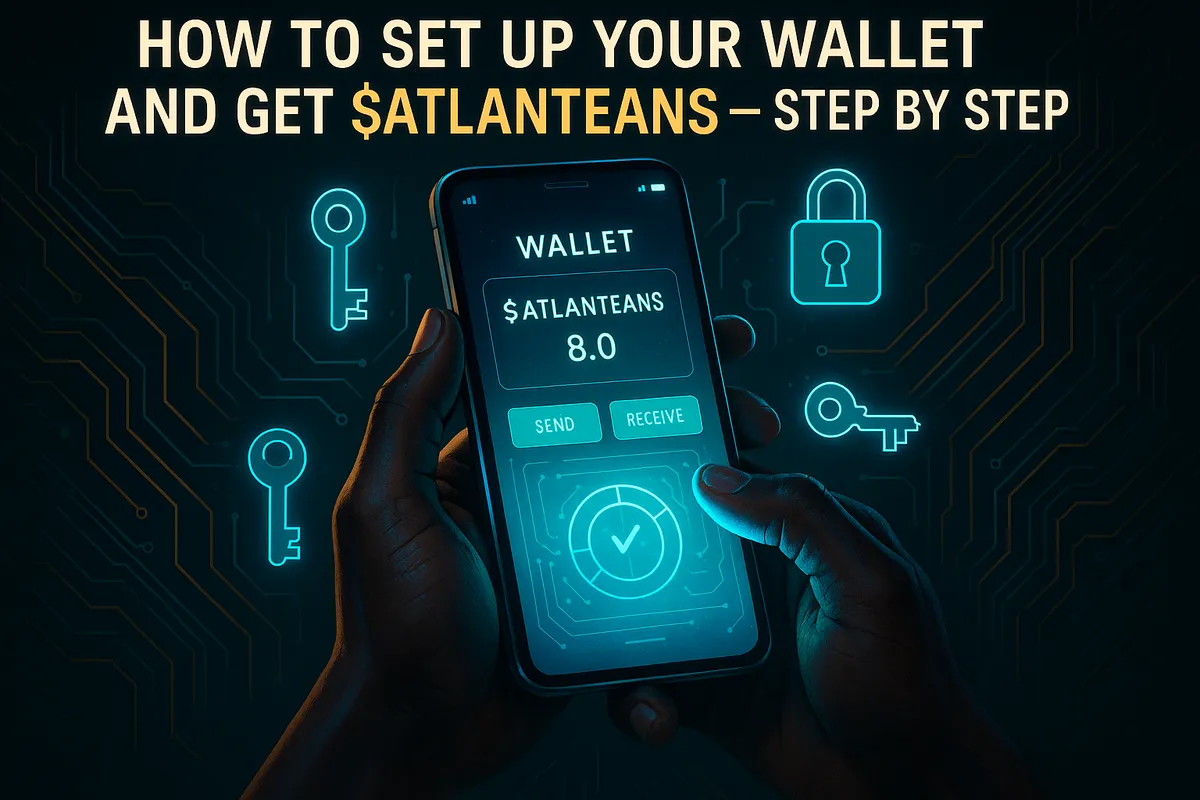
How to Set Up Your Wallet and Get $ATLANTEANS — Step by Step
Ready to join the Black Atlanteans community and get your $ATLANTEANS tokens? You're in the right place. This guide will walk you through everything — from setting up your Solana wallet to getting your hands on $ATLANTEANS.
What You'll Need Before You Start
A computer or smartphone
A few minutes of your time
Some SOL (Solana's native currency) to fund your wallet
Important: $ATLANTEANS is a token on the Solana blockchain. This means you'll need a Solana-compatible wallet and you'll fund it with SOL — not ETH, BTC, or any other coin.
📋 Official $ATLANTEANS Contract Address (CA):
DLYVDq9zDPoGqth1yKyuzXocmZznHZFyA3kL2oitpump
Always use this address to verify you're buying the real $ATLANTEANS token.
Step 1: Download a Solana Wallet
You'll need a Solana wallet to store your $ATLANTEANS. We recommend Phantom — it's the most popular Solana wallet, beginner-friendly, and available on all devices.
Get Phantom:
🖥️ Browser extension (Chrome, Firefox, Brave, Edge): phantom.app
📱 Mobile app: Available on iOS and Android
Alternative: You can also use Solflare (solflare.com) — another trusted Solana wallet.
Step 2: Create Your Wallet & Save Your Secret Recovery Phrase
Once Phantom is installed:
Click "Create a New Wallet"
Phantom will show you a 12-word Secret Recovery Phrase
Write it down on paper — do NOT screenshot it or save it digitally
Store it somewhere safe (offline is best)
Confirm your phrase when prompted
Set a strong password for your wallet
⚠️ Never share your recovery phrase with anyone. Not even us. Anyone who has it can access your wallet and take everything in it.
Step 3: Fund Your Wallet with SOL
Because $ATLANTEANS lives on the Solana blockchain, you need SOL in your wallet to:
Cover transaction fees (called "gas fees" on Solana — these are very small, usually fractions of a cent)
Swap for $ATLANTEANS
How to get SOL:
Buy SOL from a centralized exchange such as Coinbase, Kraken, or Binance
Create/log in to your exchange account and purchase SOL
Go to your exchange's Withdraw or Send section
Enter your Phantom wallet address (found by clicking your wallet name at the top of Phantom)
Make sure the network is set to Solana (SOL) — NOT Solana ERC-20 or any other network
Confirm and send — SOL typically arrives within seconds
💡 How much SOL do you need? Start with at least 0.1–0.5 SOL. This covers transaction fees and gives you enough to swap for $ATLANTEANS.
Step 4: Get $ATLANTEANS
Now that your wallet is funded with SOL, it's time to swap for $ATLANTEANS. You have two easy options:
🌊 Option A: Easiest — Visit the Black Atlanteans Website
Head to www.blackatlanteans.com — the swap link is always pinned right on the home page. Just connect your wallet and swap!
🔄 Option B: Go Directly to the Swap on Jupiter
Use the direct link below to go straight to the $ATLANTEANS swap — SOL and $ATLANTEANS are already pre-filled for you:
Once on the swap page:
Connect your Phantom wallet
The swap is pre-filled: SOL → $ATLANTEANS
Enter the amount of SOL you want to swap
Review the transaction details and click Swap
Approve the transaction in your Phantom wallet
Done! 🎉 Your $ATLANTEANS will appear in your wallet within seconds
⚠️ Always verify the contract address before swapping. The official $ATLANTEANS CA is:
DLYVDq9zDPoGqth1yKyuzXocmZznHZFyA3kL2oitpump
Never use a token address shared by strangers — there are scam tokens with similar names.
Step 5: View Your $ATLANTEANS in Your Wallet
If $ATLANTEANS doesn't automatically appear in your Phantom wallet:
Open Phantom and go to the Tokens tab
Click "Manage token list" or "+ Add/Search"
Paste the official CA: DLYVDq9zDPoGqth1yKyuzXocmZznHZFyA3kL2oitpump
The token will appear in your wallet
You're In! Welcome to the Black Atlanteans Community 🌊
That's it — you're now a holder of $ATLANTEANS on the Solana blockchain. Make sure to follow our official channels for updates, announcements, and everything happening in the Black Atlanteans ecosystem.
Questions? Reach out to our community and we'll help you through it.
$ATLANTEANS is a Solana-based token. Always do your own research (DYOR) and never invest more than you can afford to lose.